Is this a real system dialog?
A window a program faked to look like a prompt is flagged and never scanned: red when a third-party program drew it, amber when Apple software drew it for someone else.
whoRU is a free, open-source menu-bar app for macOS. When a dialog like “2.1.258” would like to access files on a network volume shows up, whoRU appears beside it, finds out who is really asking, and tells you whether it is safe — in a few seconds, without ever clicking Allow or Don’t Allow for you.
whoRU-0.2.1.dmg · 3.8 MB · notarized, Developer ID signed. Get the .pkg installer, verify checksums, or build from source ↓
A window a program faked to look like a prompt is flagged and never scanned: red when a third-party program drew it, amber when Apple software drew it for someone else.
Finds the real program behind the name and verifies its code signature.
Checks its hash against the publisher’s official release and whether the certificate was revoked.
Optionally, an AI model explains the evidence in plain language — and you can keep asking.
whoRU 0.2.1 for macOS 26 or later. Signed with a Developer ID and notarized by Apple — here’s the evidence, the same kind whoRU itself would show you.
Verify with shasum -a 256 <file>, or check the signature yourself with spctl -a -vv -t install whoRU-0.2.1.pkg.
Publisher: Developer ID Installer / Application, team A3W935G59T.
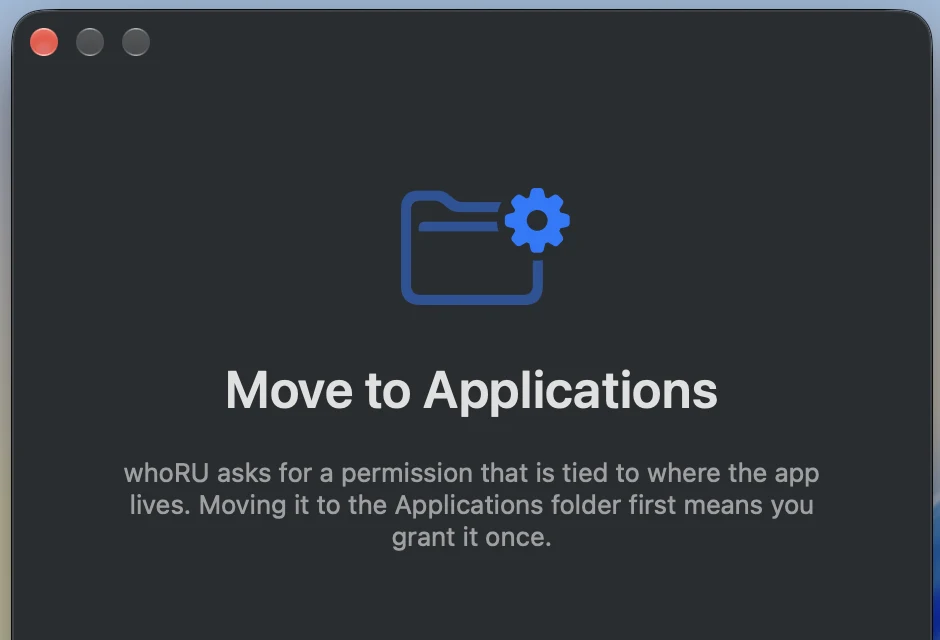
Before whoRU asks for anything, it tells you why. First launch walks through each permission in plain language, then gets out of the way.
# clone and build the app bundle yourself
git clone https://github.com/yairixStudio/whoRU.git
cd whoRU
scripts/build-app.sh          # → build/whoRU.app
open build/whoRU.app
scripts/make-dmg.sh           # → build/whoRU-<version>.dmg
First launch walks you through the one permission whoRU needs (Accessibility, used only to read the text of permission dialogs) and the optional AI engine. An ad-hoc signed build loses its Accessibility permission when you rebuild; re-grant it in System Settings → Privacy & Security → Accessibility.
swift build
.build/debug/whoru-cli scan "/Applications/Google Chrome.app" --service downloadsFolder --no-ai
.build/debug/whoru-cli parse '“Google Chrome” would like to access files in your Downloads folder.'
.build/debug/whoru-cli resolve "2.1.258"
.build/debug/whoru-cli doctor
--json prints the full scan record; --no-store keeps it out of history.
Set ANTHROPIC_API_KEY to use the Claude API from the terminal.